This Kodak Step photo printer review looks at a compact way to turn phone pictures into peel-and-stick prints. Its editing app and wireless pairing make it a fit for casual crafting and sharing.
KODAK Step Review Summary
The quick verdict

20,000+ ratings
Read Amazon ReviewsKODAK Step
A compact phone photo printer for shoppers who want editable, peel-and-stick prints without carrying ink cartridges.
- Prints 2-by-3-inch ZINK sticky-backed photos with embedded dye crystals.
- Pairs with iOS or Android devices through Bluetooth or NFC.
- The app offers collages, filters, borders, stickers, and text customization.
- Built-in rechargeable lithium-ion battery; prints 25 photos on a full charge.

Pros
- Small, lightweight design is easy to take along for trips and craft sessions.
- Bluetooth or NFC pairing connects with iOS and Android phones.
Consider before buying
- The 2-by-3-inch format is small, so buyers wanting larger display prints should choose another print format.
- A full charge is specified for 25 photos, so plan around recharging for longer print sessions.
Read the full review summary
KODAK Step combines a palm-sized printer, Bluetooth or NFC connections, and ZINK paper that needs no ink cartridges, toner, or ribbons.
Its 2-by-3-inch sticky-backed prints suit scrapbook pages, labels, and small photo keepsakes, while the app offers filters, borders, stickers, and text for quick customization.
This palm-sized, lightweight printer is easy to take along for phone photos and projects. It makes 2-by-3-inch sticky-back prints, connects to iOS or Android devices over Bluetooth or NFC, and prints 25 photos on a full charge.
The starter pack of ZINK photo paper and zero-ink printing mean you can get started without ink cartridges.
The buying factors
KODAK Step Scorecard
Editorial scores reflect listed features and buyer fit; they are not laboratory measurements or customer ratings.
Portability
Palm-sized construction and a weight under one pound suit travel, journaling, and quick prints away from a desk.
Phone connectivity
Bluetooth and NFC pairing with iOS or Android devices gives phone users two wireless connection options.
Print format
Sticky-backed 2-by-3-inch paper is convenient for small keepsakes and crafts, though it is not a substitute for larger prints.
Editing tools
The app supports collages, filters, borders, stickers, and text, giving users several ways to personalize a print before it leaves the printer.
Ink-free printing
ZINK technology avoids ink, toner, and ribbon replacements, keeping the print workflow self-contained around paper.
Battery convenience
The rechargeable battery is rated for 25 photos per full charge, which aligns better with short creative sessions than heavy all-day printing.
Key Features and Specifications of KODAK Step
- Prints 2-by-3-inch ZINK sticky-backed photos with embedded dye crystals.
- Pairs with iOS or Android devices through Bluetooth or NFC.
- The app offers collages, filters, borders, stickers, and text customization.
- Built-in rechargeable lithium-ion battery; prints 25 photos on a full charge.
- Weighs less than one pound and is palm-sized for portable use.
- ZINK paper uses no ink, toner, or ribbon.
Pros and Cons of KODAK Step
Pros
- Small, lightweight design is easy to take along for trips and craft sessions.
- Bluetooth or NFC pairing connects with iOS and Android phones.
- Sticky-backed prints work naturally for scrapbooks, labels, and decorating.
- Editing options include collages, filters, stickers, borders, and text.
- Ink-free printing removes the need to carry ink cartridges, toner, or ribbons.
Consider before buying
- The 2-by-3-inch format is small, so buyers wanting larger display prints should choose another print format.
- A full charge is specified for 25 photos, so plan around recharging for longer print sessions.
- For regular printing, check the ongoing cost and availability of compatible ZINK paper before buying.
Who Should Buy KODAK Step?
Good fit
Choose KODAK Step if you want to make small phone photos tangible for scrapbooks, travel journals, classroom projects, or casual gifting.
The peel-and-stick format avoids a separate adhesive step, while app tools let you add visual touches before printing.
It is also a sensible fit for people who prefer a portable printer and do not want to manage ink or toner.
A rechargeable battery and starter paper pack support casual use away from a home printer, though a larger print workload calls for planning around the stated per-charge capacity.
Who should skip it
Skip it if your main goal is larger photos for framing or wall display: its 2-by-3-inch output is built around compact keepsakes and stickers.
It is a weaker match for frequent, high-volume printing if you do not want to pause for charging or keep compatible paper on hand; its battery capacity is 25 photos per full charge and it uses dedicated ZINK paper.
KODAK Step Review: How Its Small Prints Fit Everyday Projects
Pocketable printing for phone photos
The Step is designed for printing from a phone rather than managing a separate camera workflow.
Bluetooth or NFC pairing and a palm-sized body support travel, events, and quick craft projects, while the paper's sticky backing makes finished images easy to place in a journal or on a project surface.
Small format, purposeful use
Its 2-by-3-inch sticky-back prints are better suited to small keepsakes than large images for framing.
That compact format works well for decorating and journaling, while the app’s collages, filters, borders, stickers, and text let you personalize snapshots; consider the limited print area before choosing it for larger display prints.
Editing before printing
The app adds more creative control than a simple send-and-print flow: users can make collages or add filters, borders, stickers, and text.
This makes the printer more appealing for personalized crafts and social snapshots than for an unattended batch workflow.
Paper and charging habits
ZINK printing removes ink, toner, and ribbon from the supply list, but paper remains part of the routine.
The rechargeable battery is rated for 25 prints per full charge, so it is best approached as a casual portable tool; buyers planning extended sessions should account for recharging and paper replenishment.
Alternatives to KODAK Step
Sticker-print alternative
25,000+ ratings
Read Amazon ReviewsHP Sprocket Portable Photo Printer (2nd Edition)
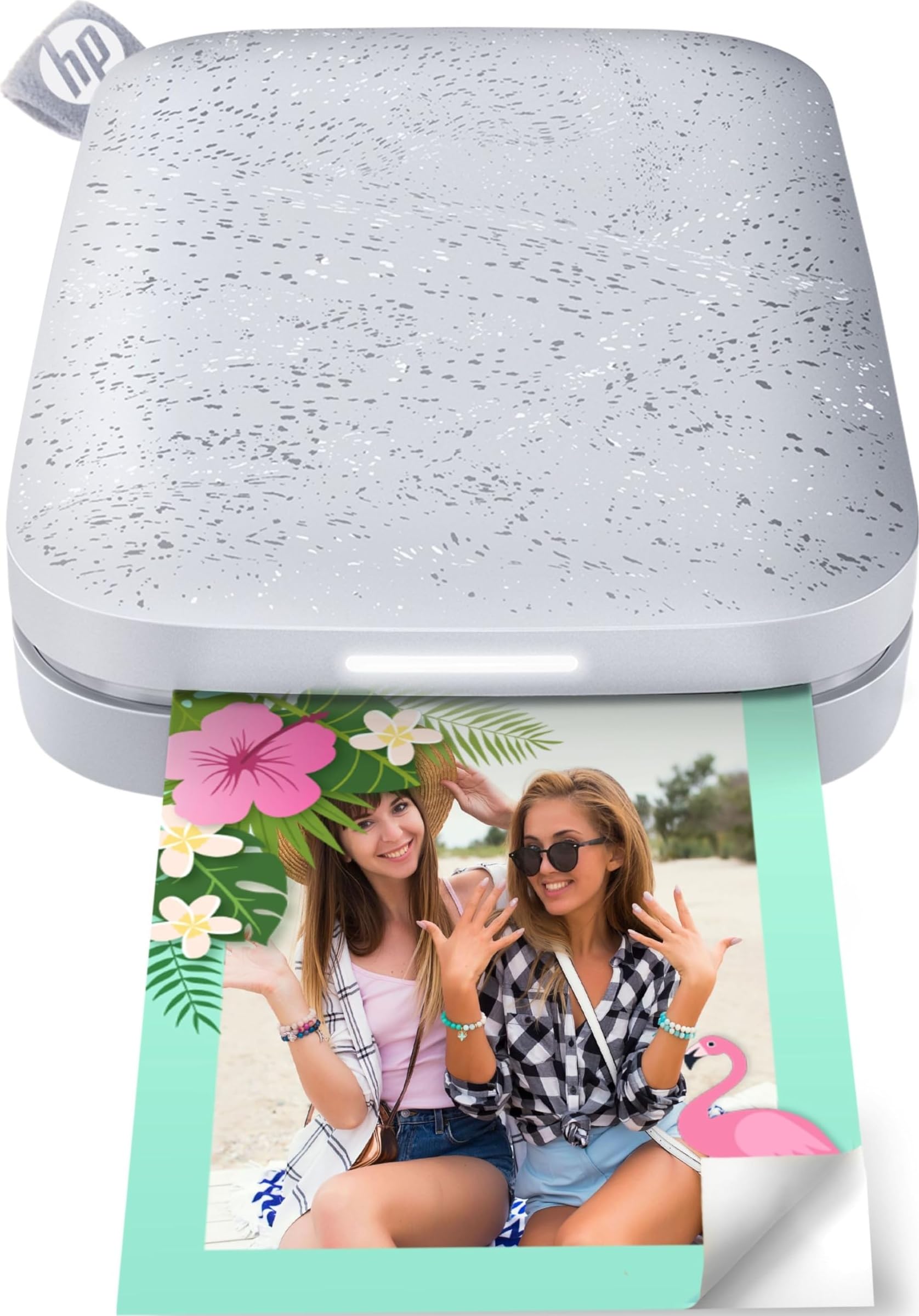
Pick KODAK Step for Bluetooth or NFC pairing from an iOS or Android device; choose HP Sprocket 2nd Edition if shared printing from multiple phones and an LED print indicator better match your group use.
- HP Sprocket 2nd Edition prints 2-by-3-inch sticky-backed photos and can connect multiple devices for shared printing.
- Bluetooth 5.0 and sleep mode keep it connected between print sessions, and a personalized LED indicates whose image is printing.
- KODAK Step makes 2-by-3-inch sticky-backed phone prints and connects through Bluetooth or NFC, keeping the workflow compact and phone-centered.
Sticker-print alternative

25,000+ ratings
Read Amazon ReviewsHP Sprocket Select
KODAK Step suits buyers content with 2-by-3-inch prints; choose HP Sprocket Select if its larger 2.3-by-3.4-inch sticky-backed format better fits your photo projects.
- HP Sprocket Select prints larger 2.3-by-3.4-inch sticky-backed photos, pairs with iOS and Android over Bluetooth 5.1, and offers frames and filters in its app.
- KODAK Step uses sticky-backed 2-by-3-inch ZINK paper for small phone photos and creative keepsakes.
Is KODAK Step Worth It?
KODAK Step is worth considering if you want a portable way to turn phone photos into small, peel-and-stick keepsakes, with editing tools that support collages and personalized designs.
Its ink-free ZINK process and wireless phone pairing keep the setup simple for casual crafting and sharing.
Buy it if the small format and 25-print-per-charge capacity fit your habits.
Look elsewhere if you need larger display prints or expect long print sessions without charging; this is a compact creative accessory, not a replacement for a full-size photo printer.
Your review at a glance
20,000+ ratings
Read Amazon ReviewsKODAK Step
A compact phone photo printer for shoppers who want editable, peel-and-stick prints without carrying ink cartridges.
- Prints 2-by-3-inch ZINK sticky-backed photos with embedded dye crystals.
- Pairs with iOS or Android devices through Bluetooth or NFC.
- The app offers collages, filters, borders, stickers, and text customization.
- Built-in rechargeable lithium-ion battery; prints 25 photos on a full charge.